Enable login redirects
Turns the redirects below on. This never changes, hides, or blocks your login page — wp-login.php always stays reachable at its normal address, so this can’t lock you out of logging in.
Tools
Control where visitors and roles land, before and after login.
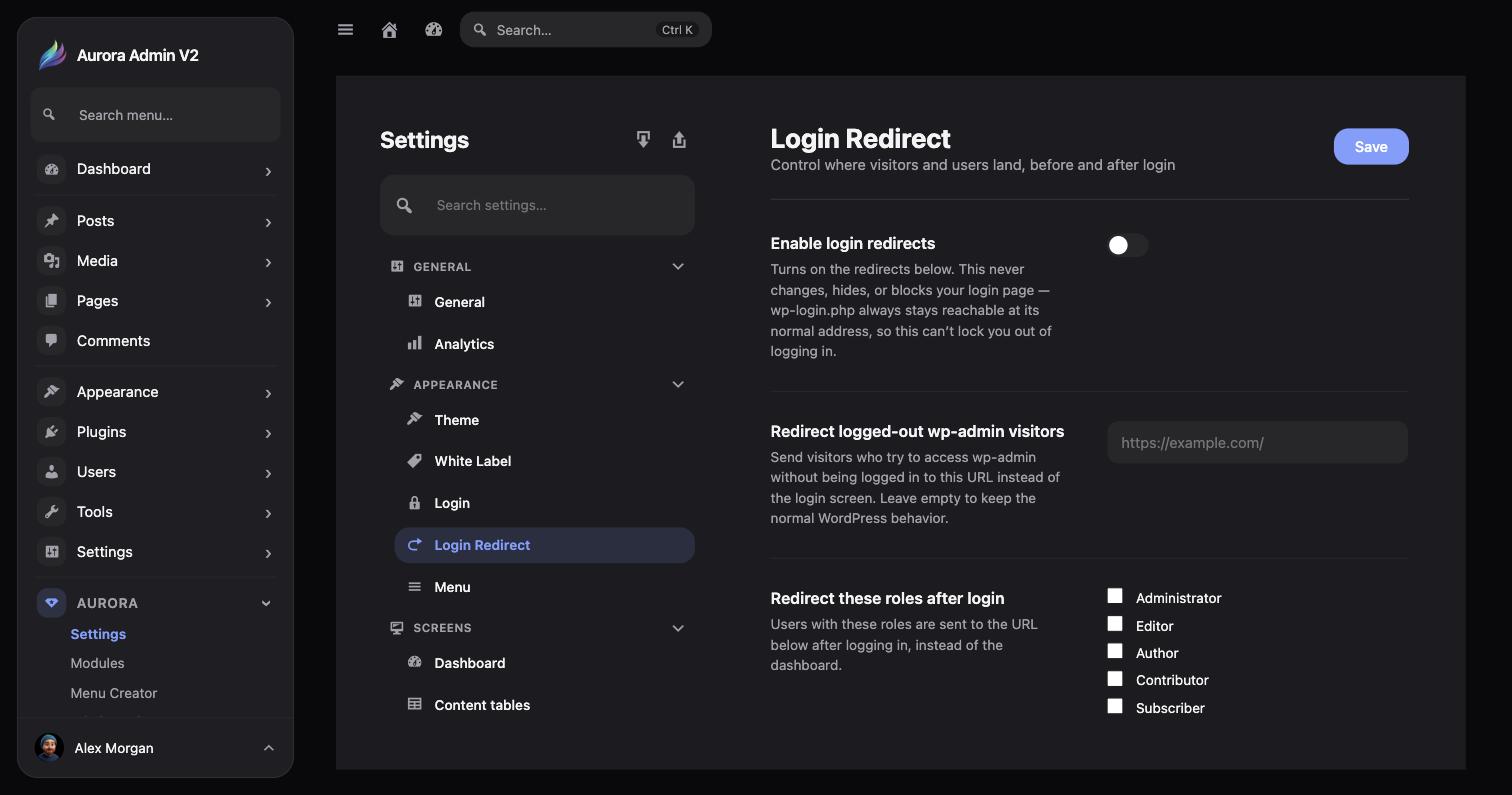
Aurora → Settings → Appearance → Login Redirect has four fields, gated behind one master toggle:
Turns the redirects below on. This never changes, hides, or blocks your login page — wp-login.php always stays reachable at its normal address, so this can’t lock you out of logging in.
Send visitors who try to access wp-admin without being logged in to a custom URL instead of the login screen. Leave empty to keep normal WordPress behavior.
Checkboxes for Administrator, Editor, Author, Contributor, and Subscriber. Selected roles are sent to the URL below after logging in, instead of the dashboard.
The destination URL for the roles selected above.