Title, type, and message
A title, a notice type (e.g. Info), and the message body.
Tools
Create and manage custom admin notices.
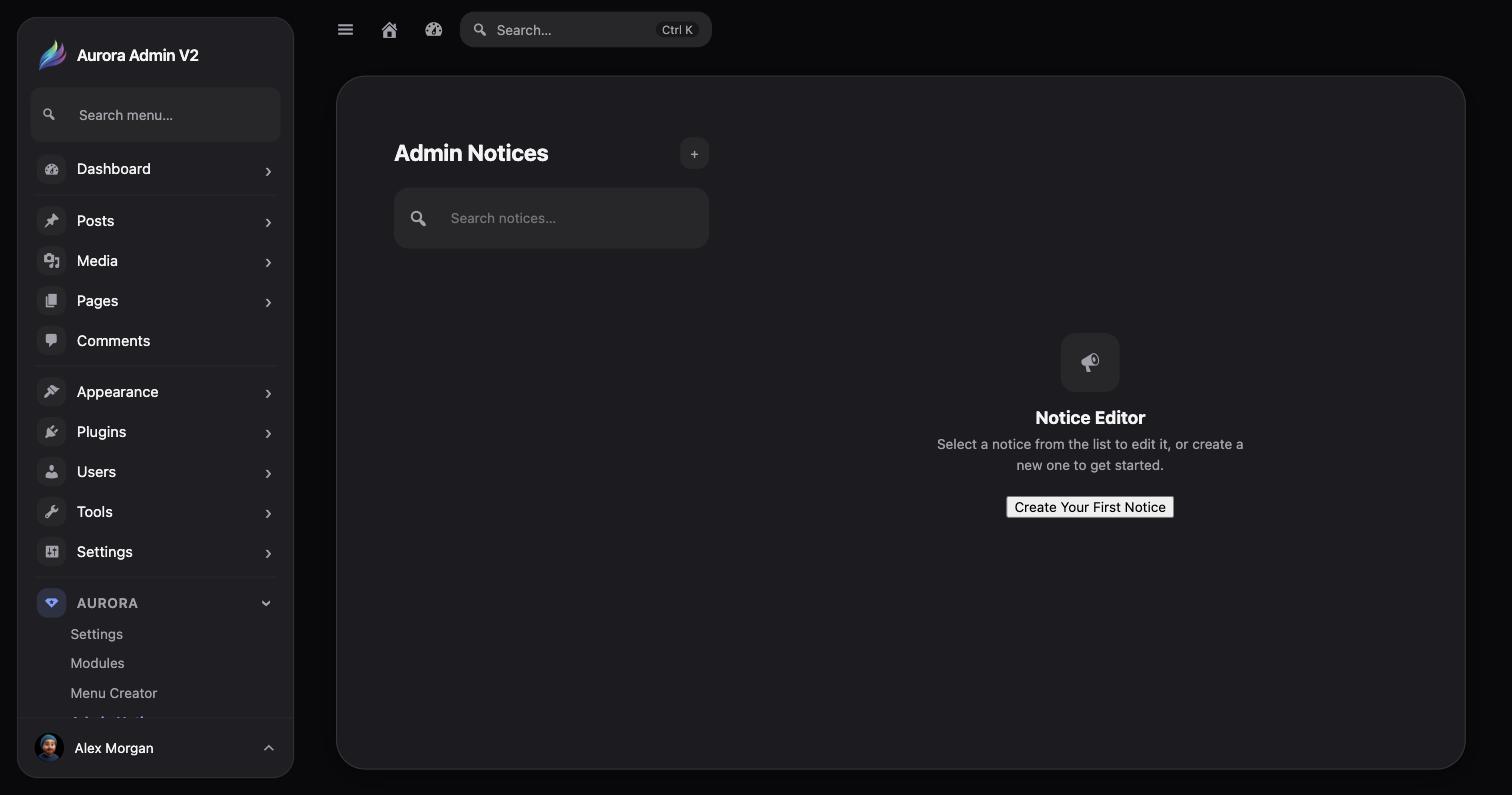
Aurora → Settings → Admin Notices manages notices Aurora displays itself, separate from notices injected by other plugins. Each notice has:
A title, a notice type (e.g. Info), and the message body.
Checkboxes for Administrator, Editor, Author, Contributor, Subscriber. Empty selection shows the notice to all roles.
Comma-separated admin page slugs (e.g. index.php, edit.php). Empty means every page.
Dismissible controls whether a user can close the notice; Active controls whether it displays at all.