Settings
Settings
Section titled “Settings”WordPress configuration redesigned as a modern control center.
General
Section titled “General”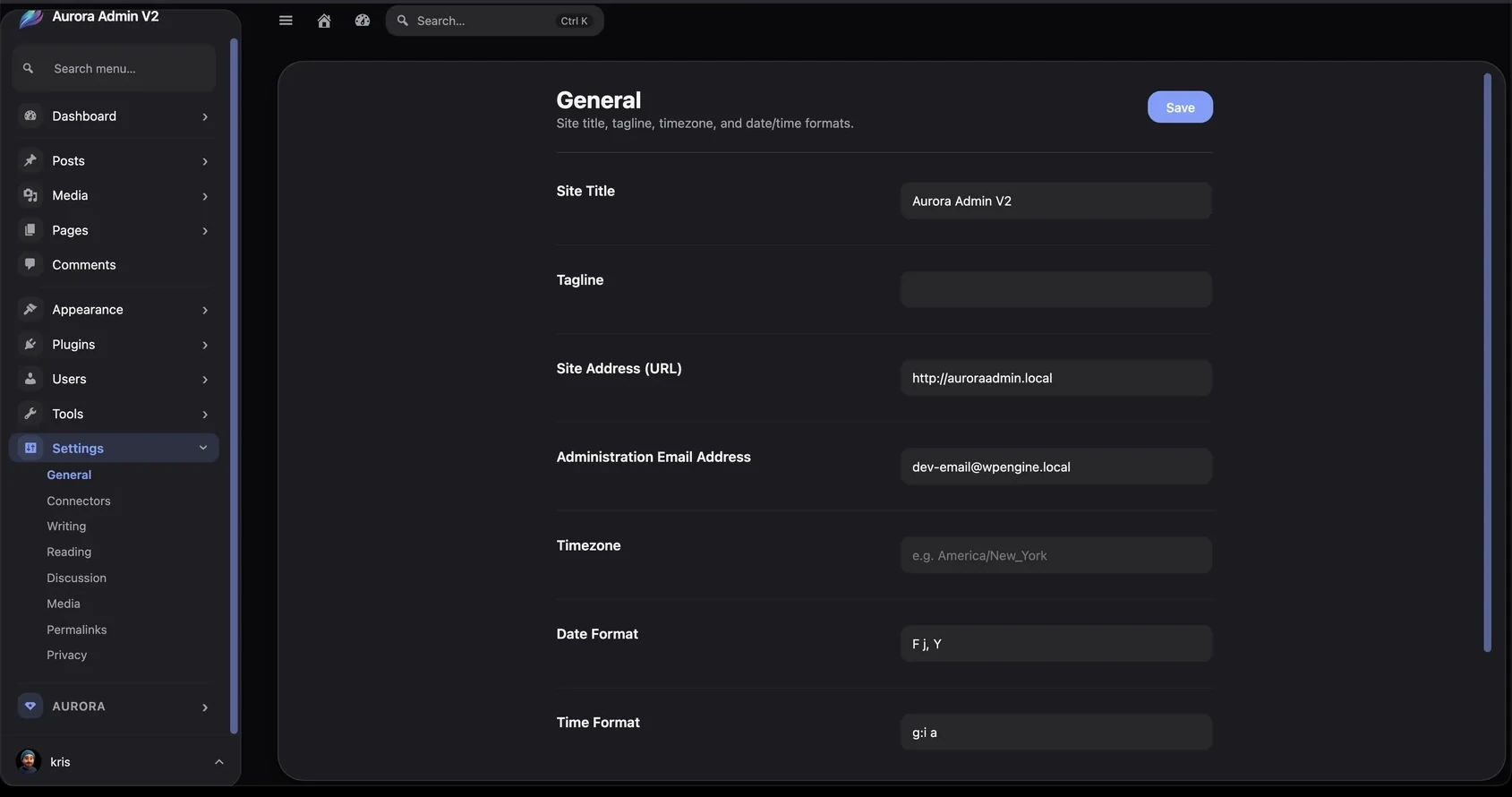
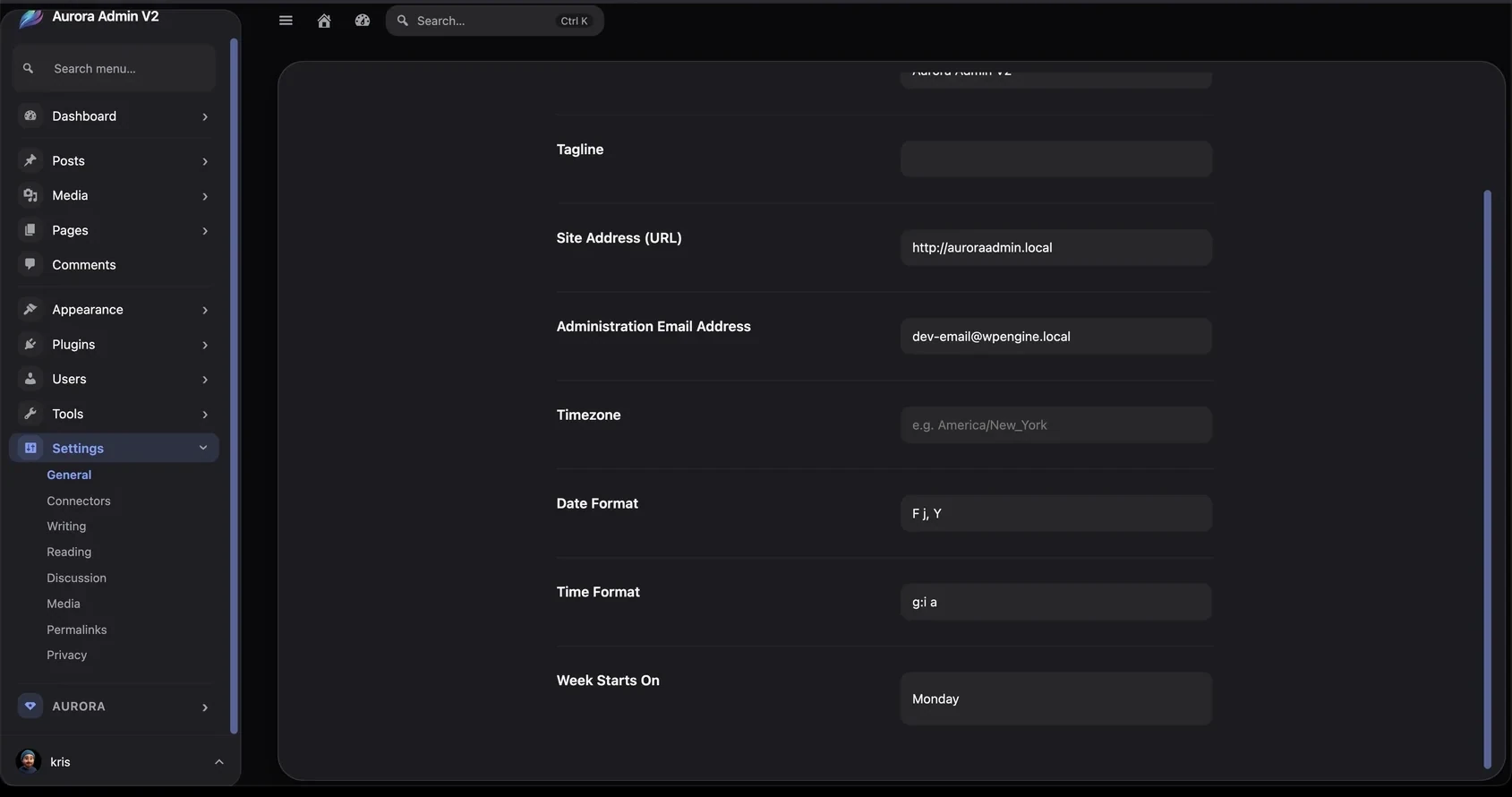
Configure site title, tagline, address, administrator email, timezone, date format, time format, and the first day of the week.
Connectors
Section titled “Connectors”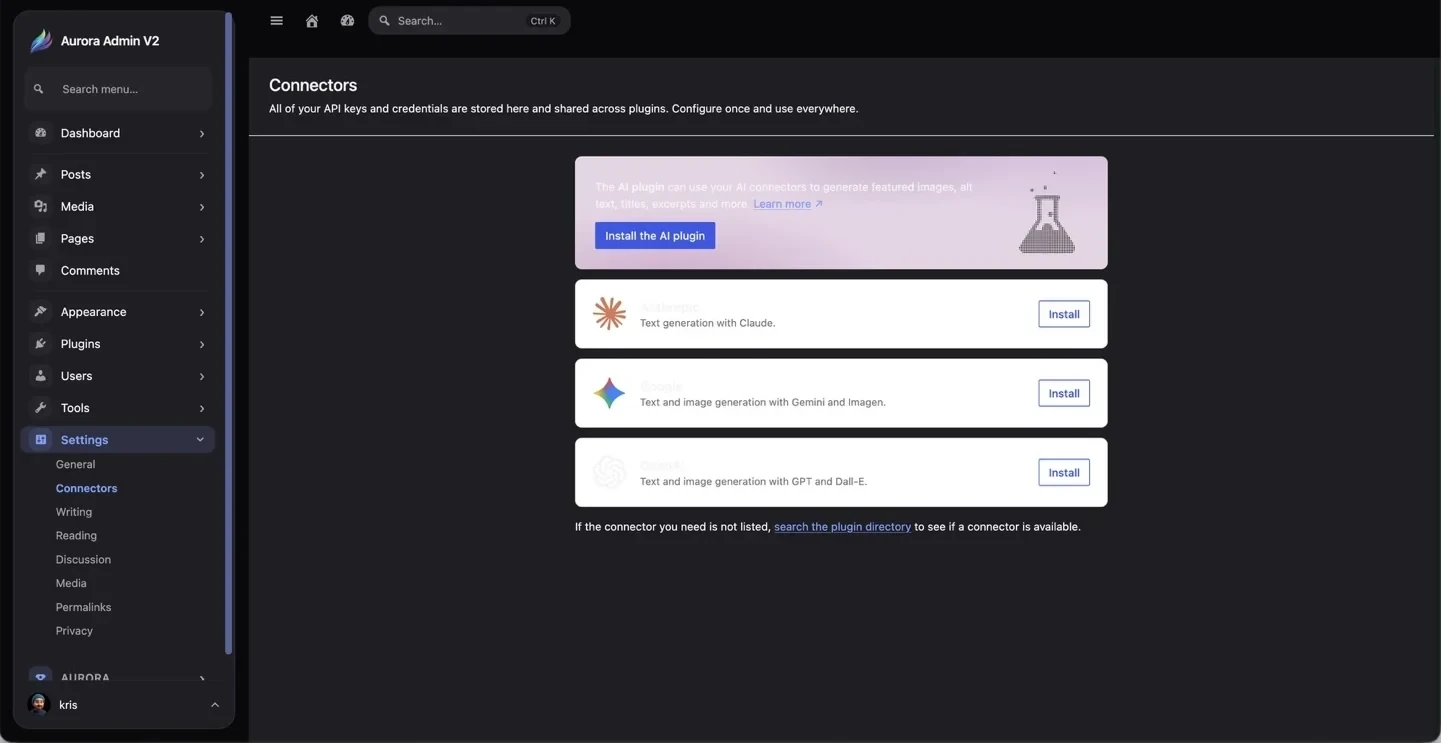
Connectors centralize credentials used by compatible Aurora plugins. Available integrations may include Google, OpenAI, and additional providers installed from the plugin directory.
Writing
Section titled “Writing”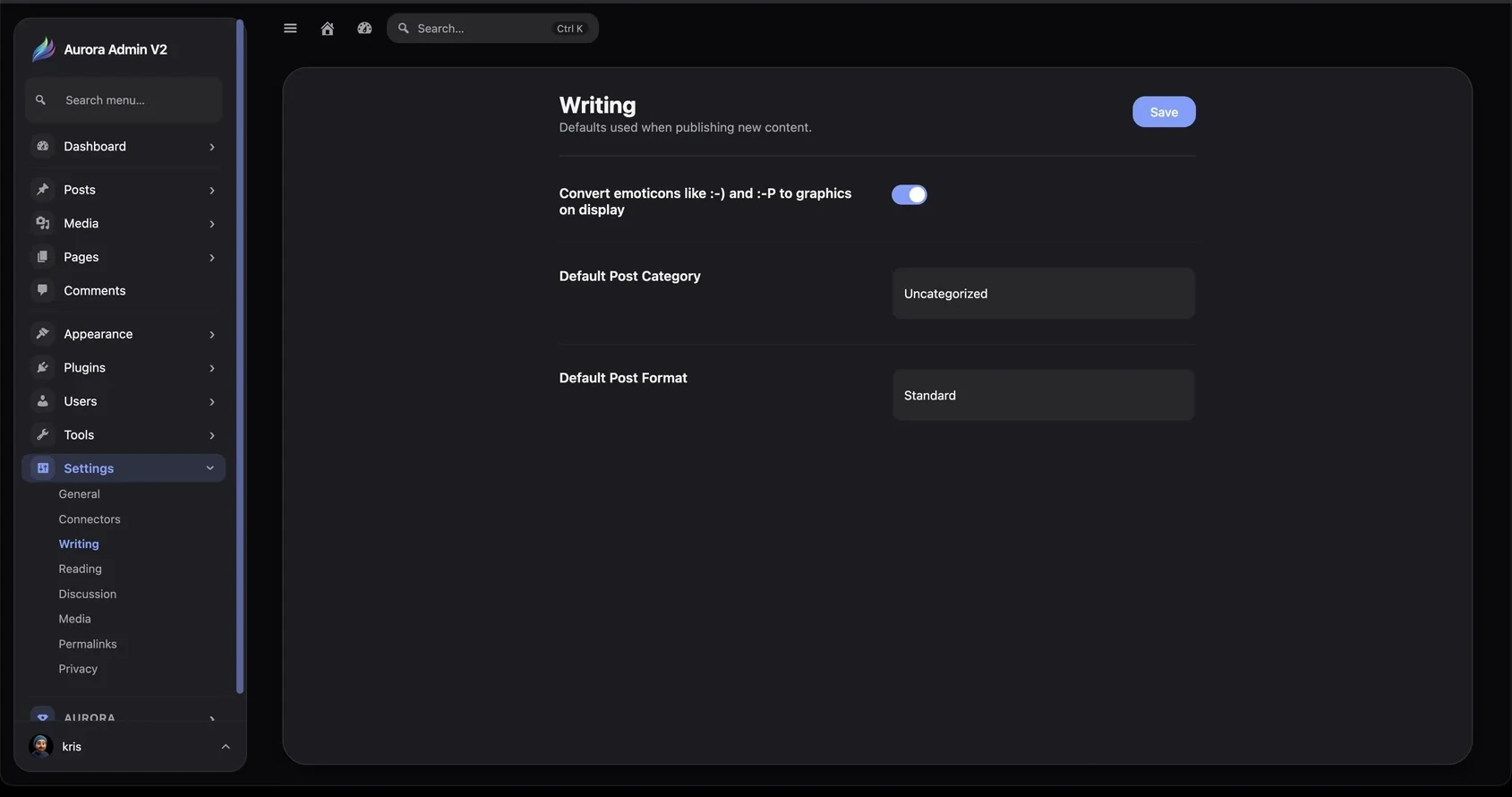
Set the default post category and format and control legacy emoticon conversion.
Reading
Section titled “Reading”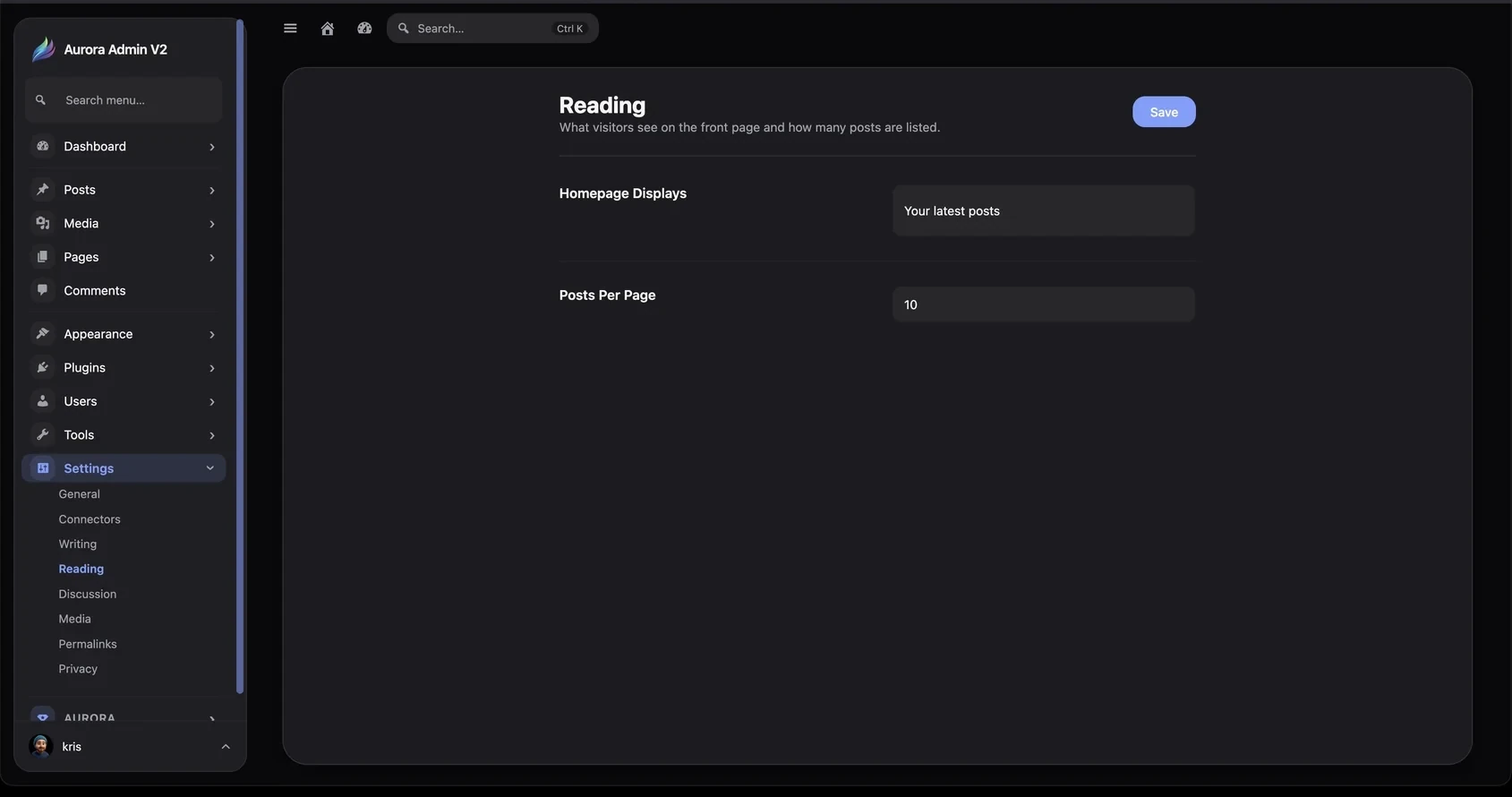
Choose whether the homepage displays recent posts or a static page and control how many posts appear in lists.
Discussion
Section titled “Discussion”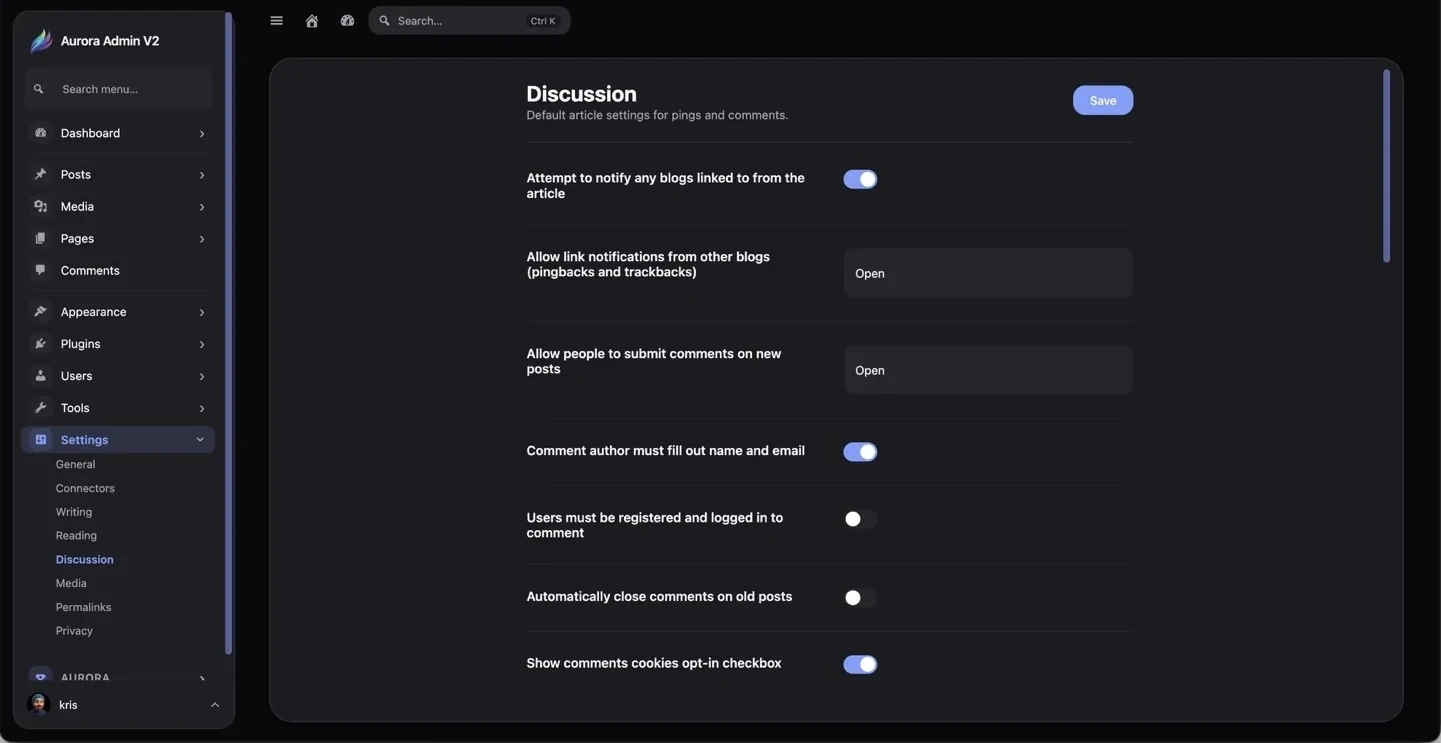
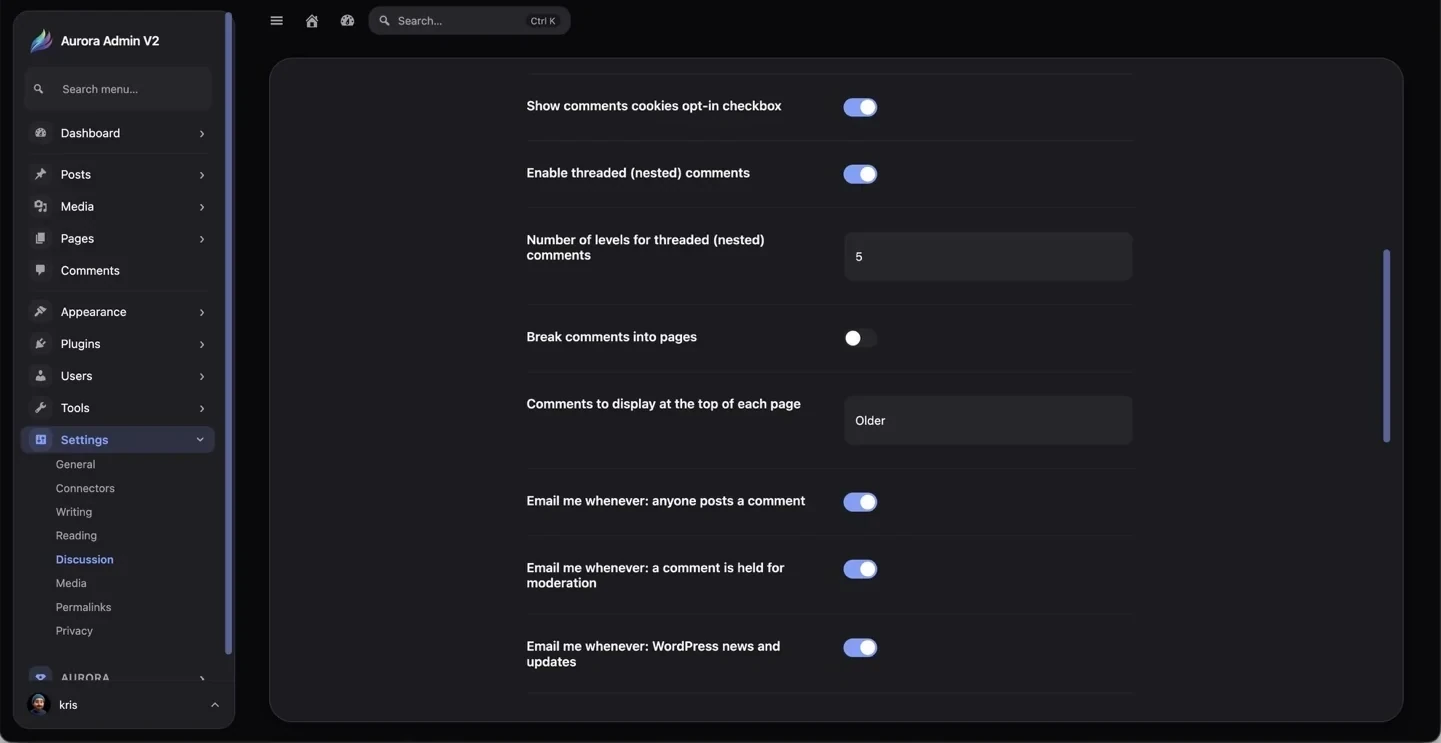
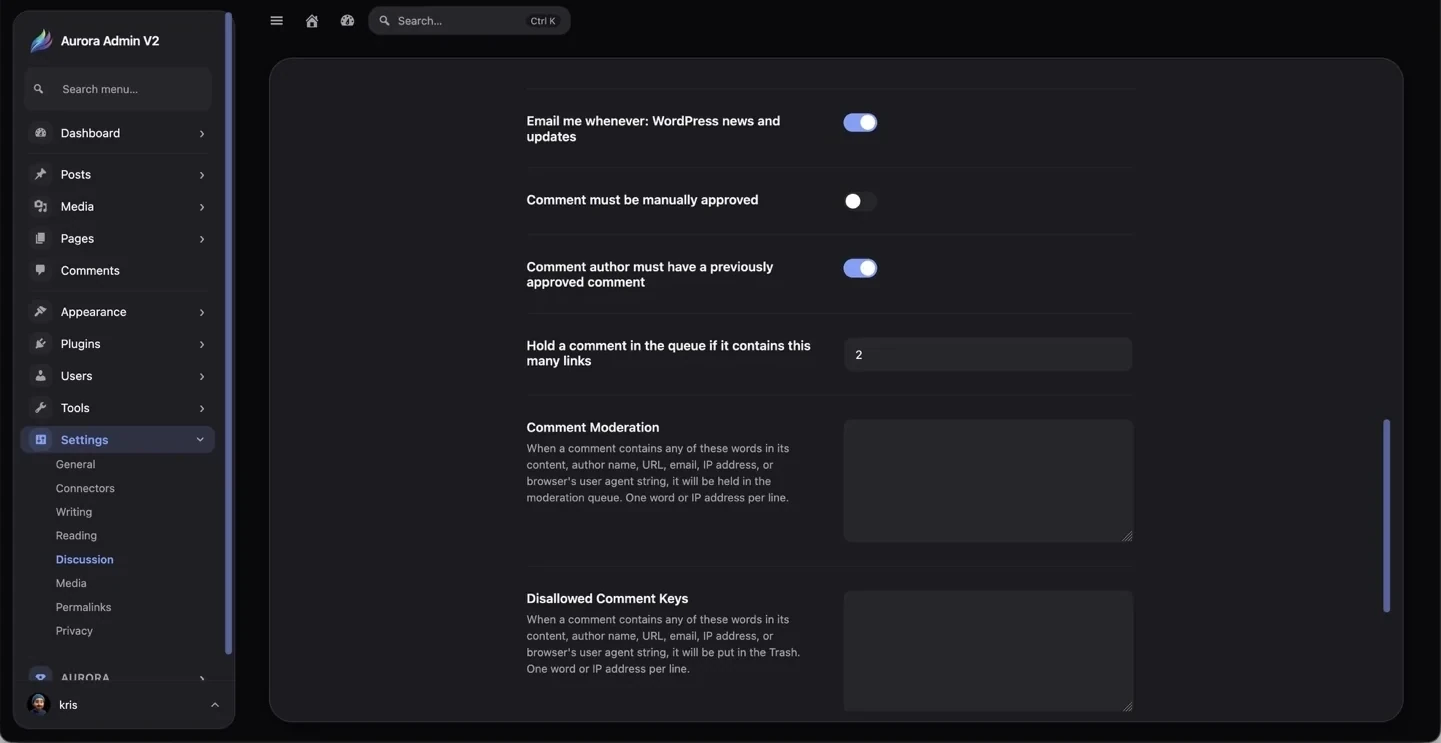
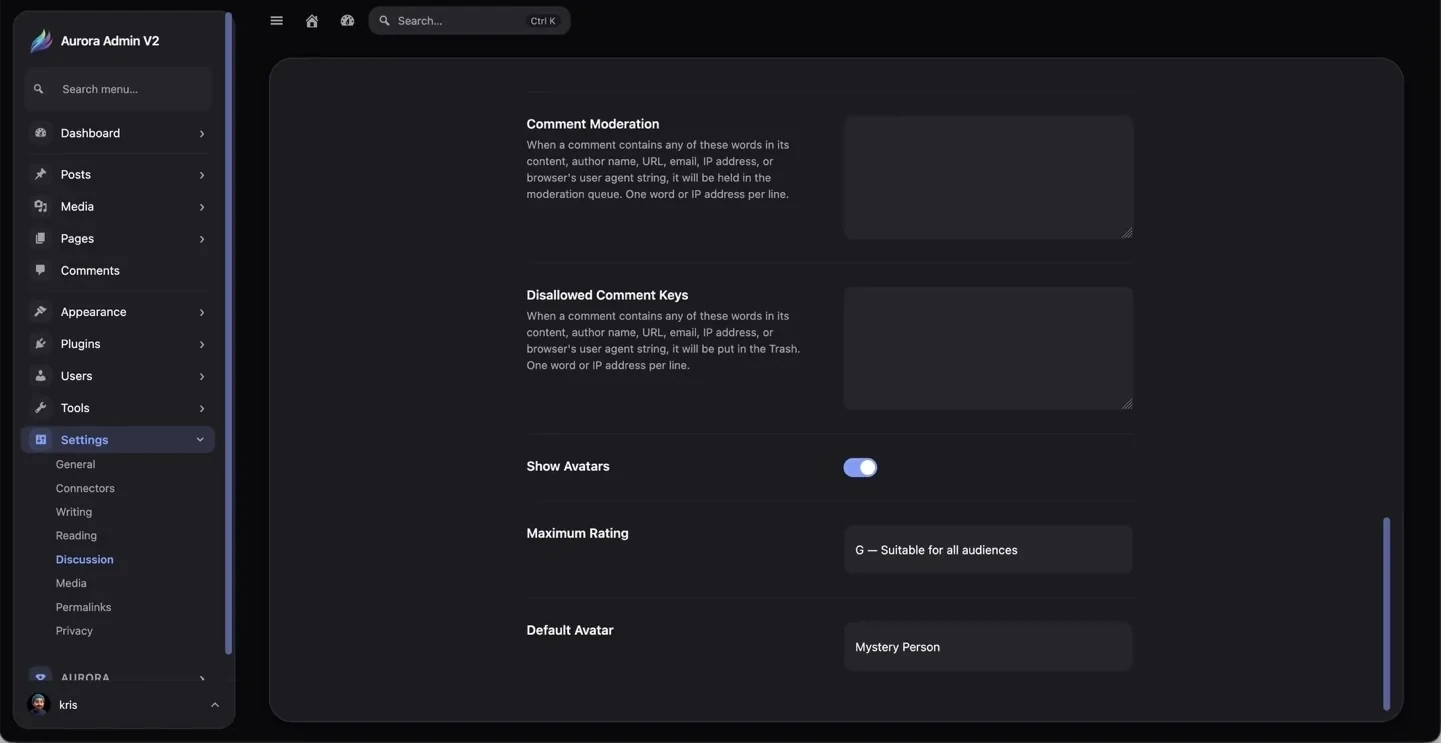
Control comments, pingbacks, identity requirements, login requirements, closing old discussions, cookie consent, threaded replies, pagination, email notifications, moderation rules, blocked terms, and avatars.
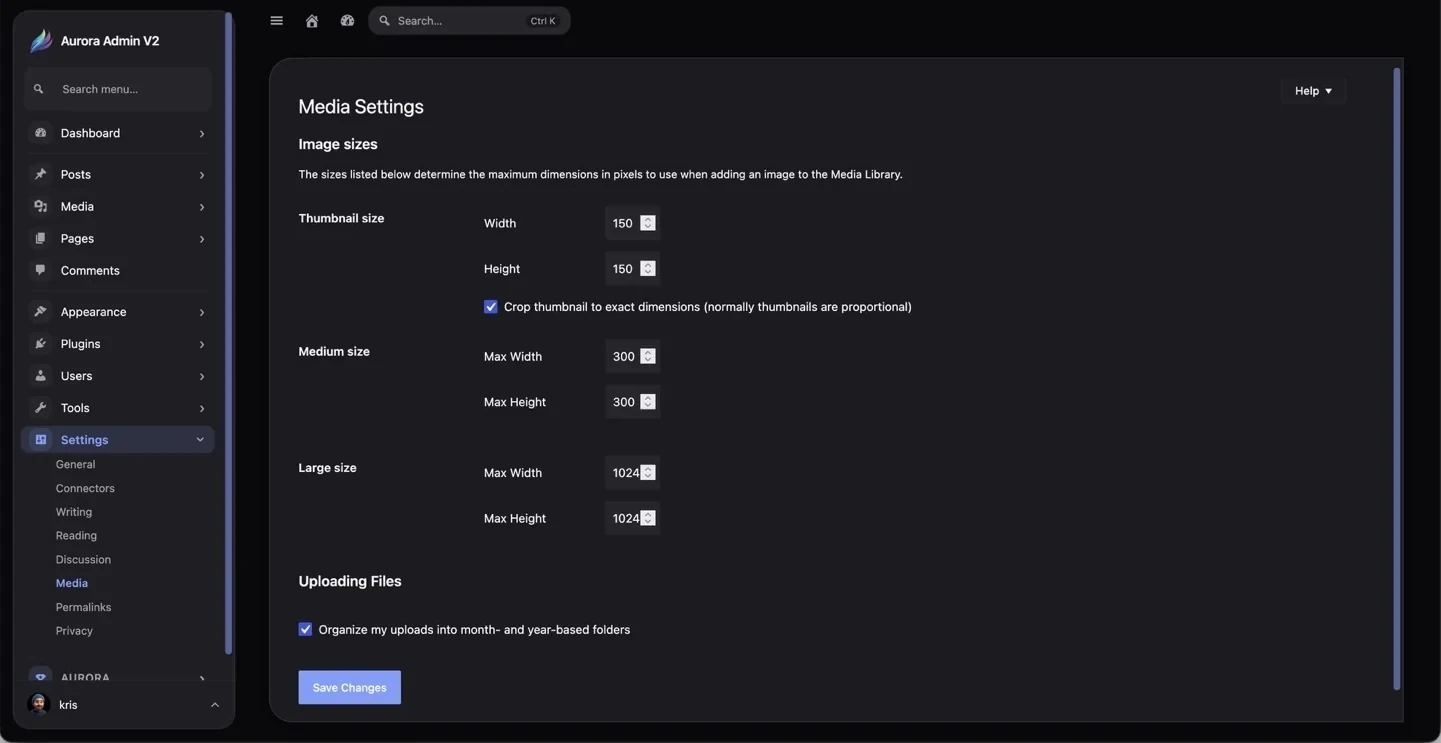
Define generated image dimensions, thumbnail cropping, and month-and-year upload organization.
Permalinks and Privacy
Section titled “Permalinks and Privacy”These pages retain WordPress’s native URL-structure and privacy-policy workflows. Dedicated visual guides can be added when their final Aurora screens are captured.