Style login page
Master toggle — applies the Aurora theme to wp-login.php. On by default.
Tools
Apply Aurora styling to wp-login.php.
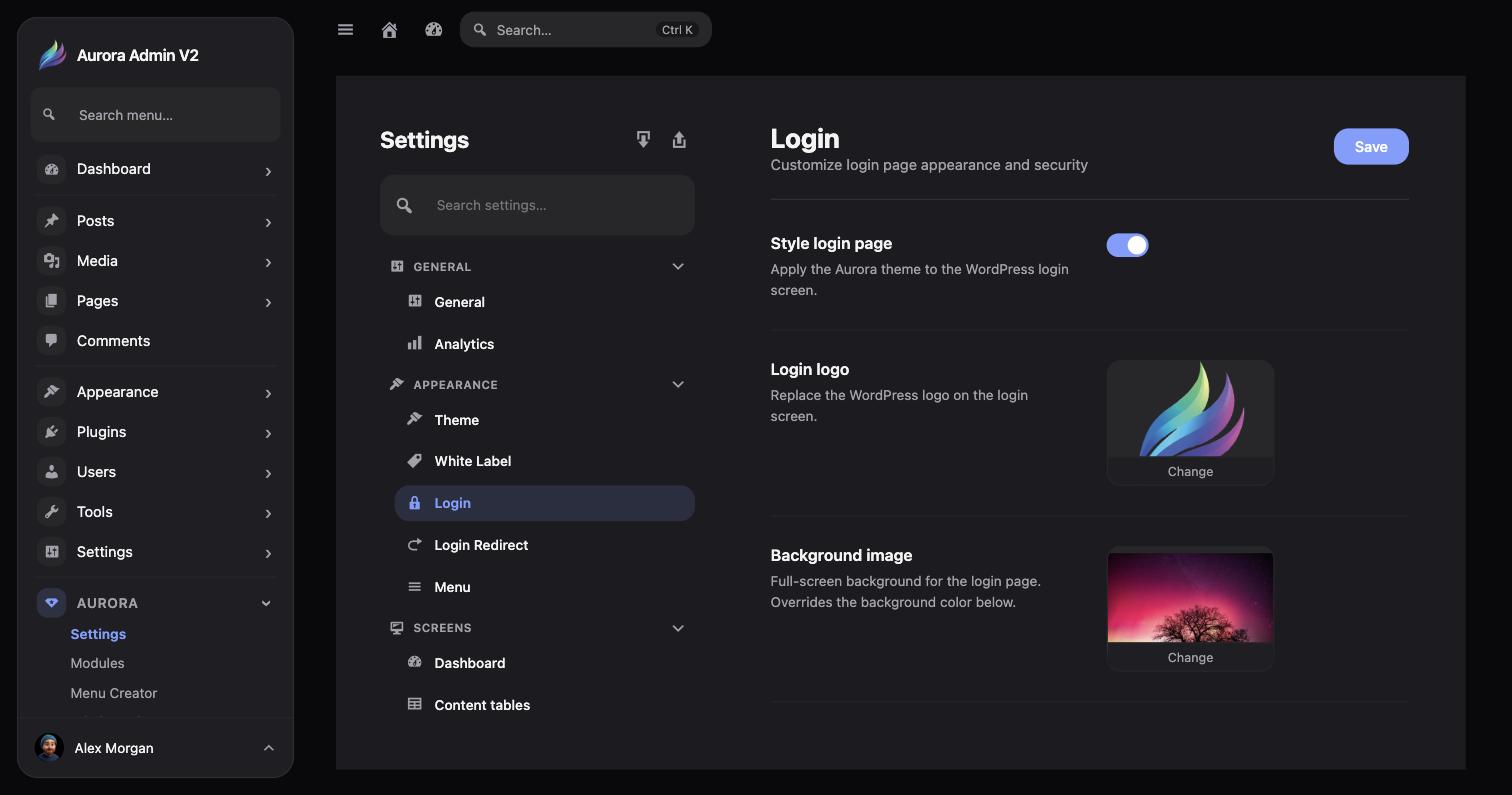
Aurora → Settings → Appearance → Login restyles the WordPress login page.
Master toggle — applies the Aurora theme to wp-login.php. On by default.
Replace the default WordPress logo shown on the login screen.
A full-screen background for the login page; overrides the background color when set.
Solid fallback color used when no background image is set.