Login logo
Replace the default WordPress logo shown on the login screen.
Replace the login logo and background.
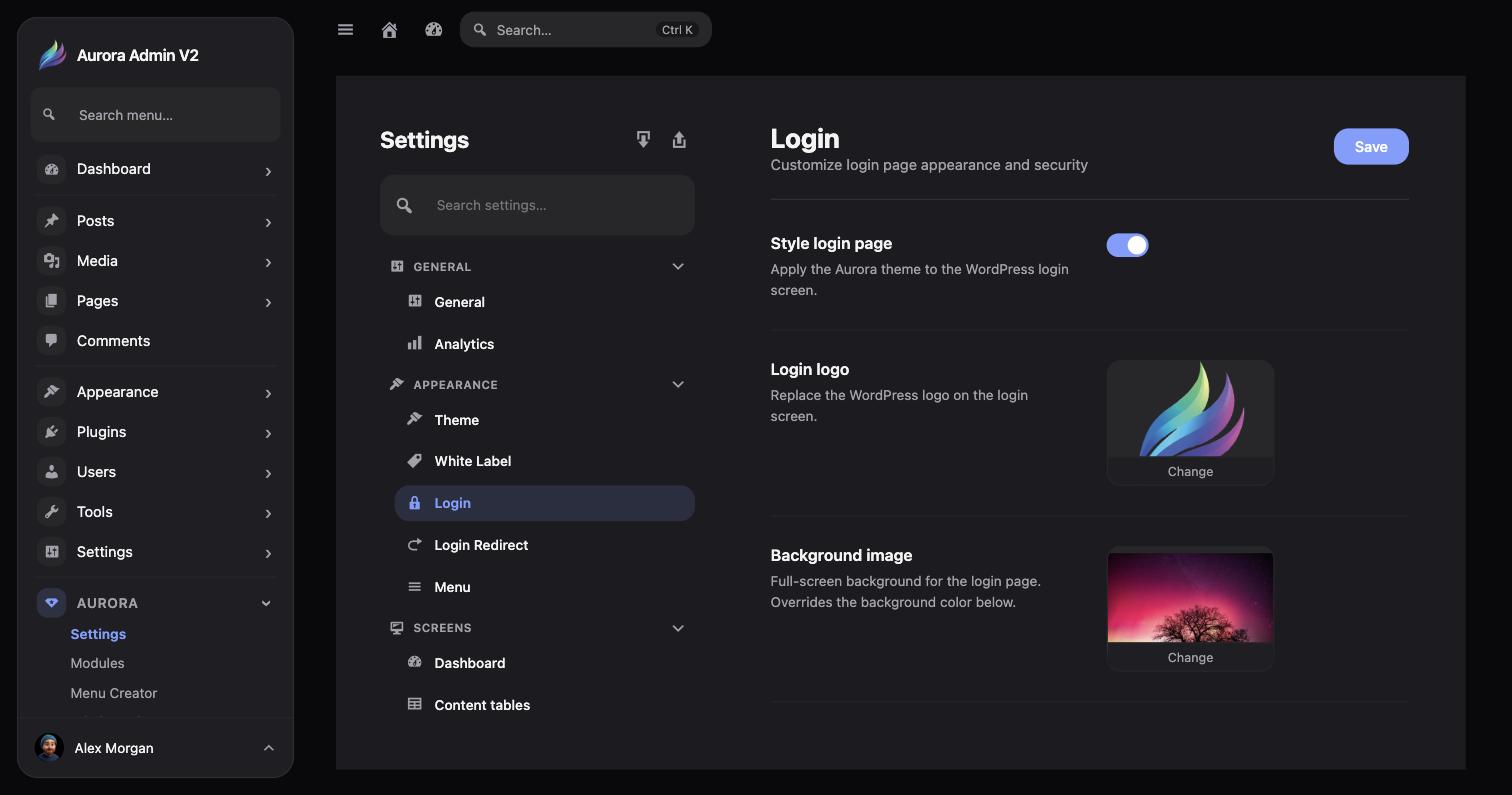
This is the same Login screen documented under Login Customization — Aurora → Settings → Appearance → Login. From here you can:
Replace the default WordPress logo shown on the login screen.
A full-screen background image; overrides the background color when set.
A solid fallback color used when no background image is set.