Themes and Site Design
Themes and Site Design
Section titled “Themes and Site Design”Manage the public appearance of your site without leaving Aurora’s visual language.
Installed themes
Section titled “Installed themes”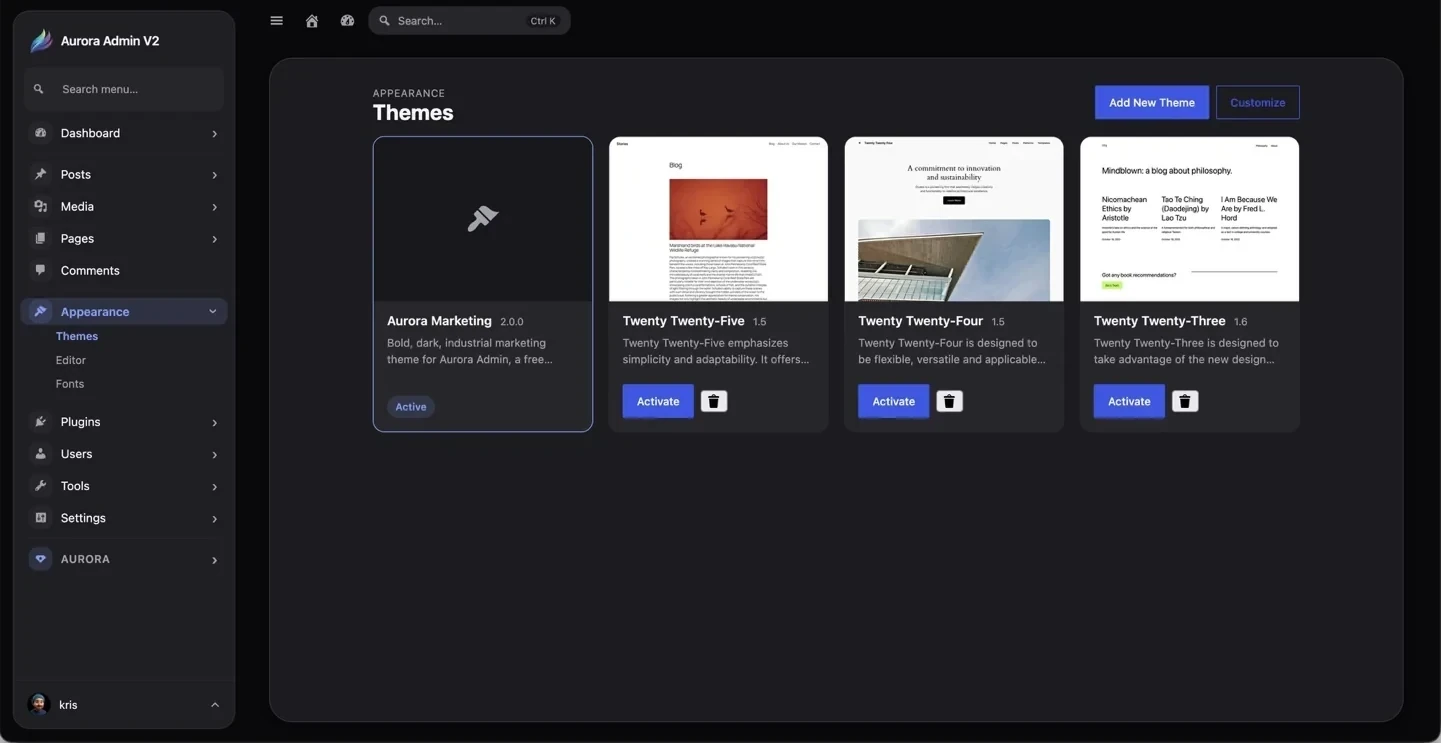
Theme cards show previews, descriptions, versions, active state, activation controls, and removal actions. Use Customize to open the supported customization experience for the active theme.
Add a theme
Section titled “Add a theme”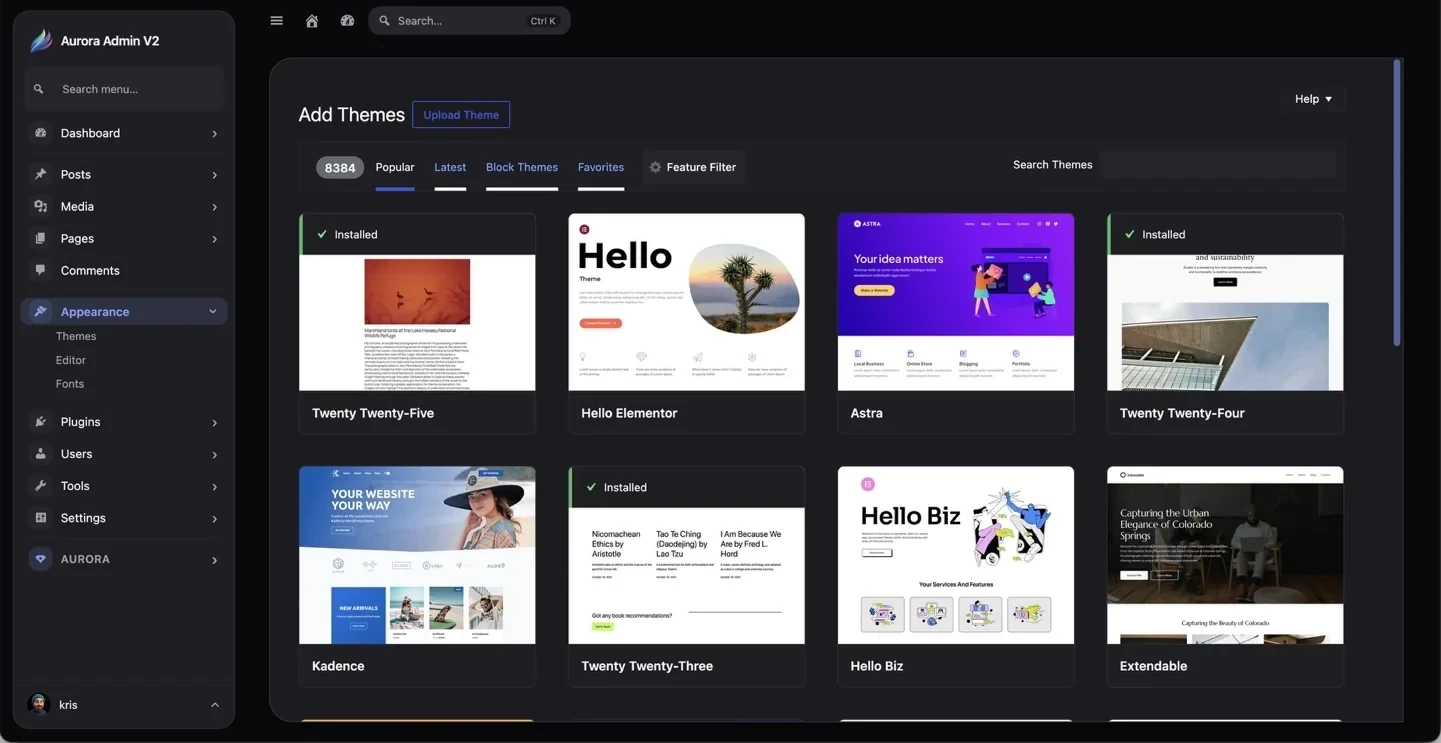
Browse Popular, Latest, Block Themes, and Favorites; search the WordPress.org directory; apply feature filters; or upload a theme ZIP.
Theme Customizer
Section titled “Theme Customizer”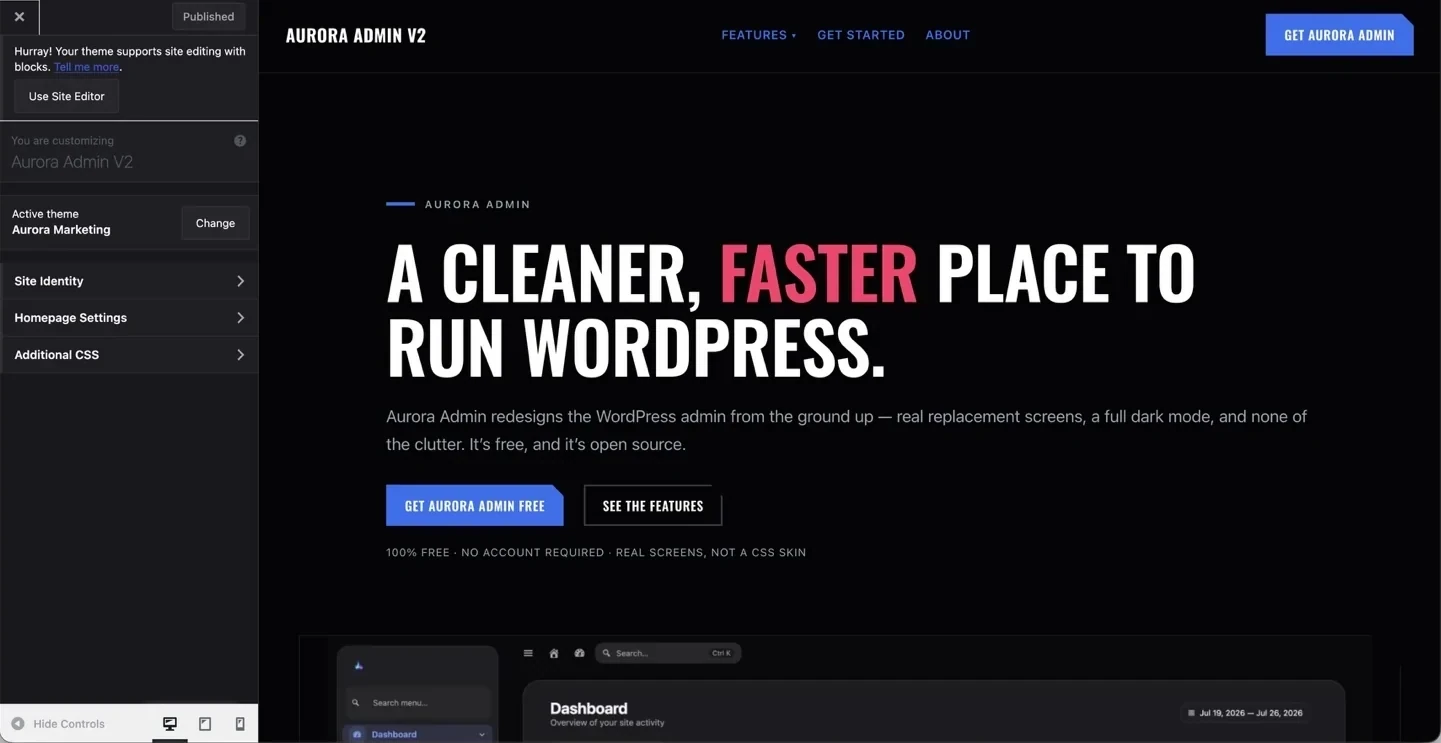
Classic and hybrid themes may expose Site Identity, Homepage Settings, Additional CSS, and other theme-defined controls in the live Customizer.
Site Editor
Section titled “Site Editor”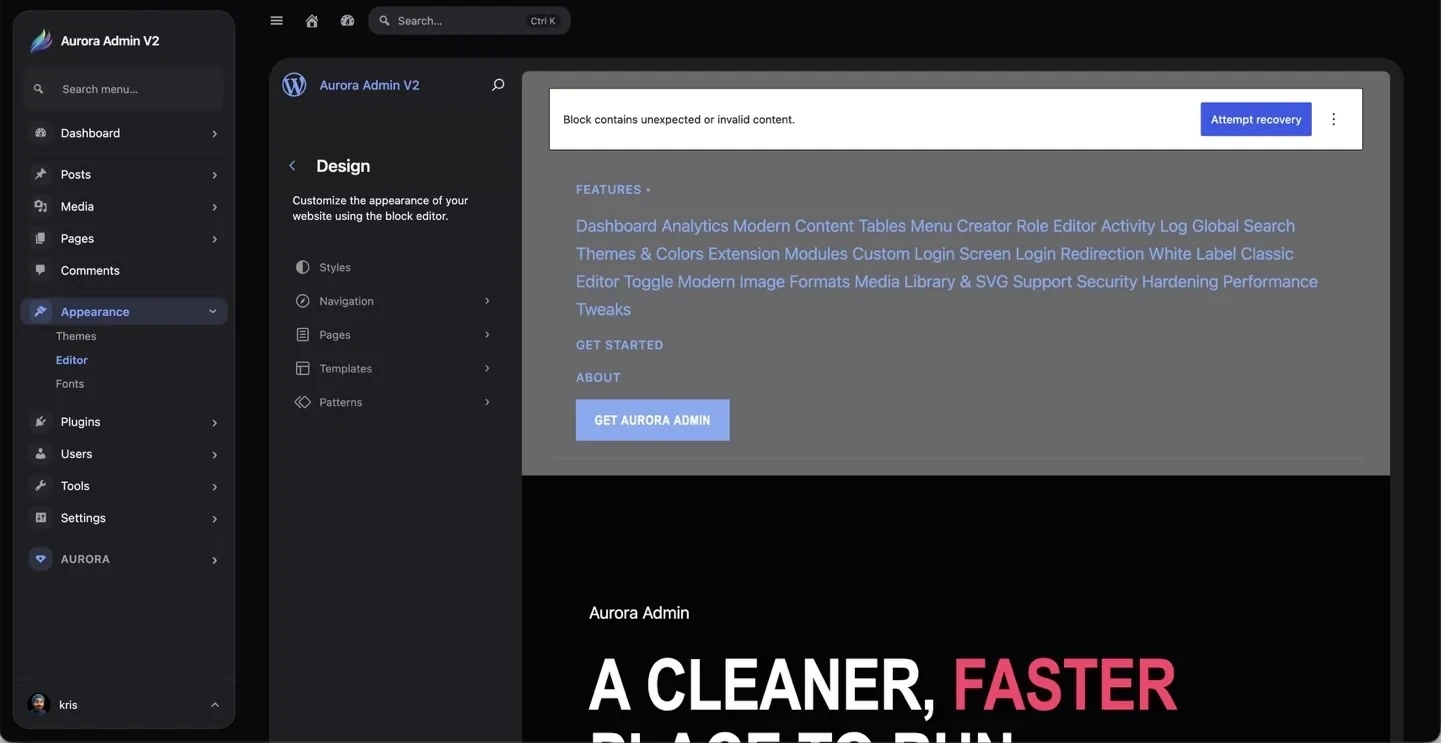
Block themes use the Site Editor for styles, navigation, pages, templates, and patterns. Aurora preserves the native editor while keeping the surrounding administration consistent.