Content Tables
Content Tables
Section titled “Content Tables”Fall back to the native WordPress list screen for any content type, individually.
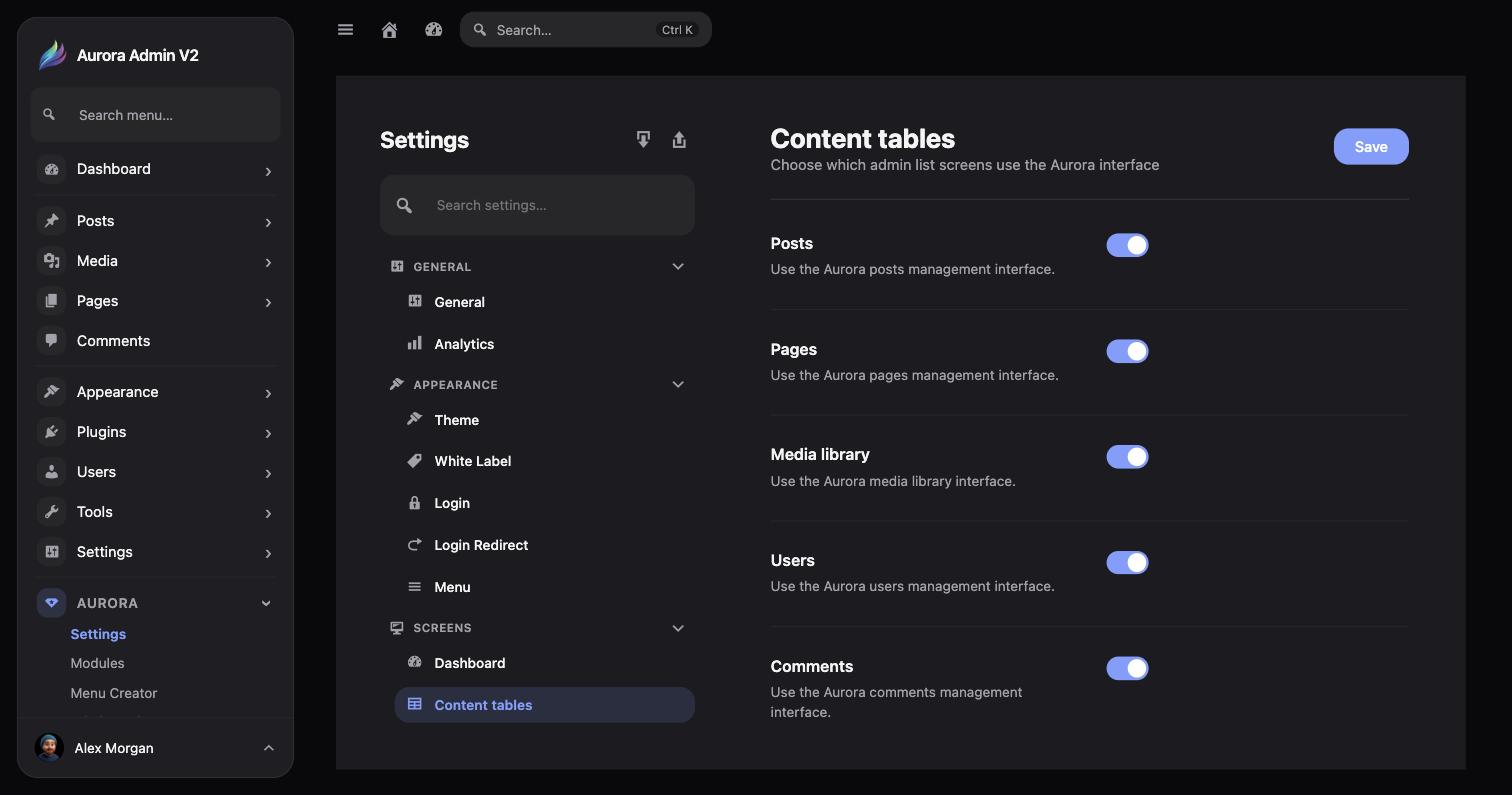
Aurora → Settings → Screens → Content tables lists every list/table screen Aurora replaces, each with its own on/off switch:
- Posts
- Pages
- Media library
- Users
- Comments
- Plugins
All six are on by default. Turning one off returns that screen to the native WordPress table immediately — the underlying content, capabilities, and URLs don’t change either way, so it’s safe to flip per screen without affecting the others.