User
See which account performed the recorded action.
Productivity Tools
Aurora Admin records supported create, update, and delete events with the user, role, IP address, activity type, and a readable description.
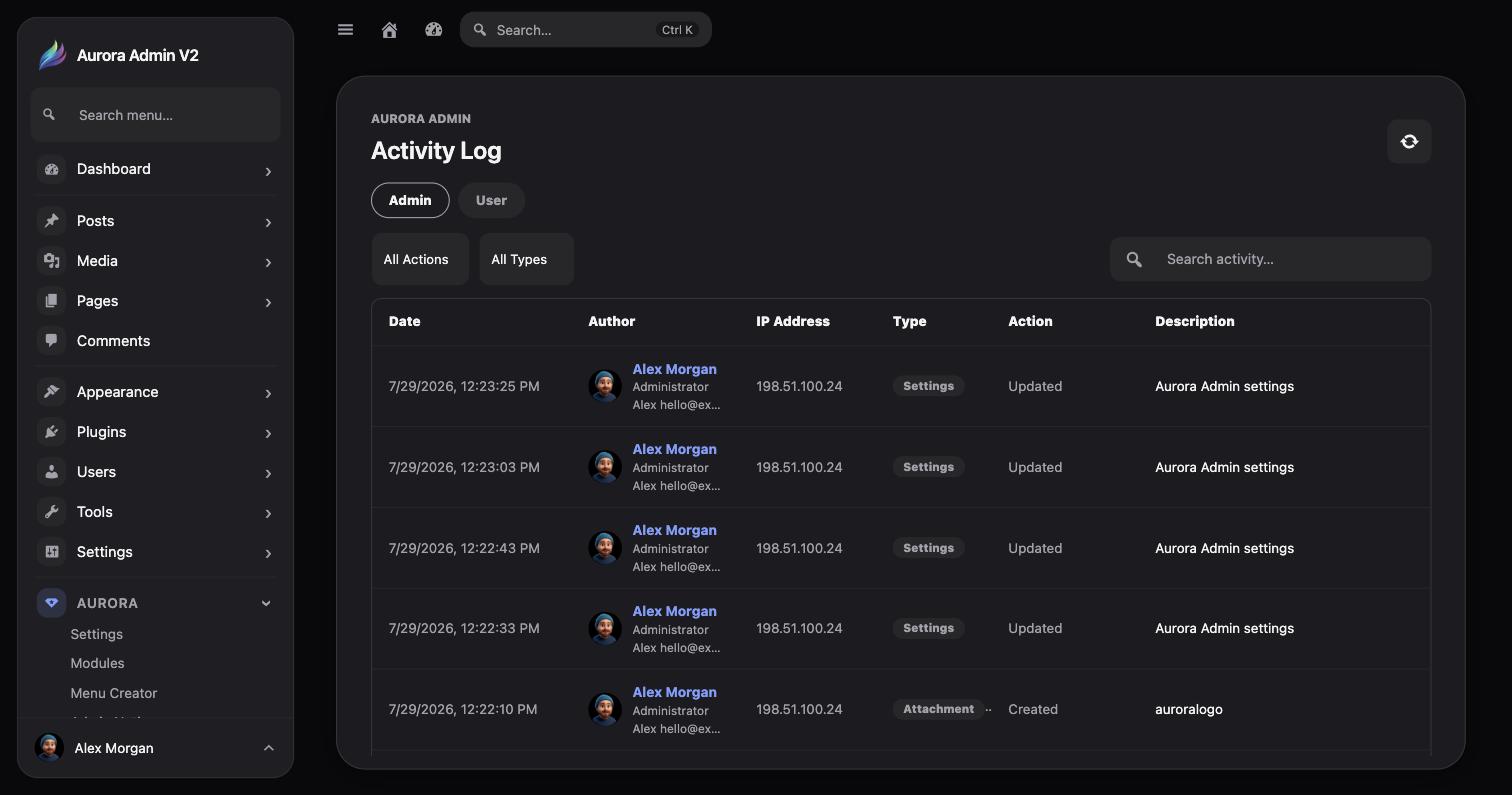
See which account performed the recorded action.
Understand the permission context associated with the user.
Record the source address reported for the request.
Read what was created, updated, deleted, or otherwise changed.
Use the available controls to narrow the log by:
This is useful when troubleshooting an unexpected content change, checking work performed by a team member, or reviewing site administration activity.
Because the Activity Log records account and IP information, site owners should define an appropriate retention policy and disclose collection where required by their privacy obligations.