Safe Updates
Getting Started
Safe Updates
Updates either work, or Aurora quietly puts everything back.
Automatic snapshotPost-update health checkAutomatic rollback
Aurora Admin protects your site every time a plugin, theme, or WordPress core update runs.
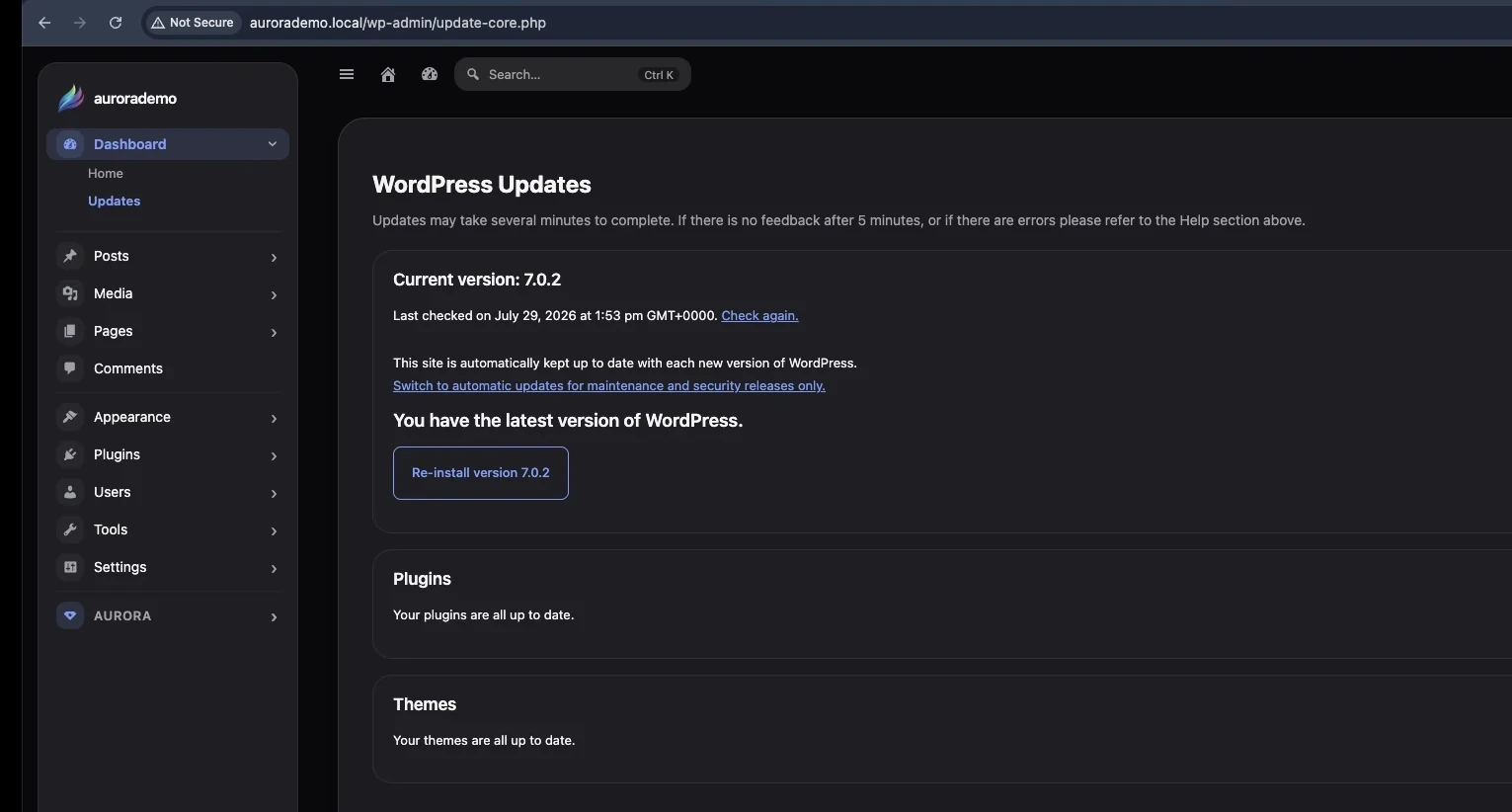
Before any update installs, Aurora silently snapshots your database and the affected files. The update then runs exactly as it normally would—nothing about WordPress’s update process itself changes.
The moment it finishes, Aurora performs a fast health check against the live site:
- Homepage response
- WordPress administration response
- REST API response
- Fatal errors or broken output
If everything checks out, the snapshot is discarded and the update remains installed. If the update breaks something, Aurora restores the previous database and files within seconds and displays a clear notice describing what failed and what was rolled back.
Protection flow
Section titled “Protection flow”- Snapshot the database and affected files.
- Run the normal WordPress update.
- Verify the homepage, dashboard, and REST API.
- Discard the snapshot when validation succeeds.
- Restore the snapshot automatically when validation fails.