10 accents
Any of the ten accent colors pairs with either base.
Appearance
Choose from Aurora's accent and base themes.
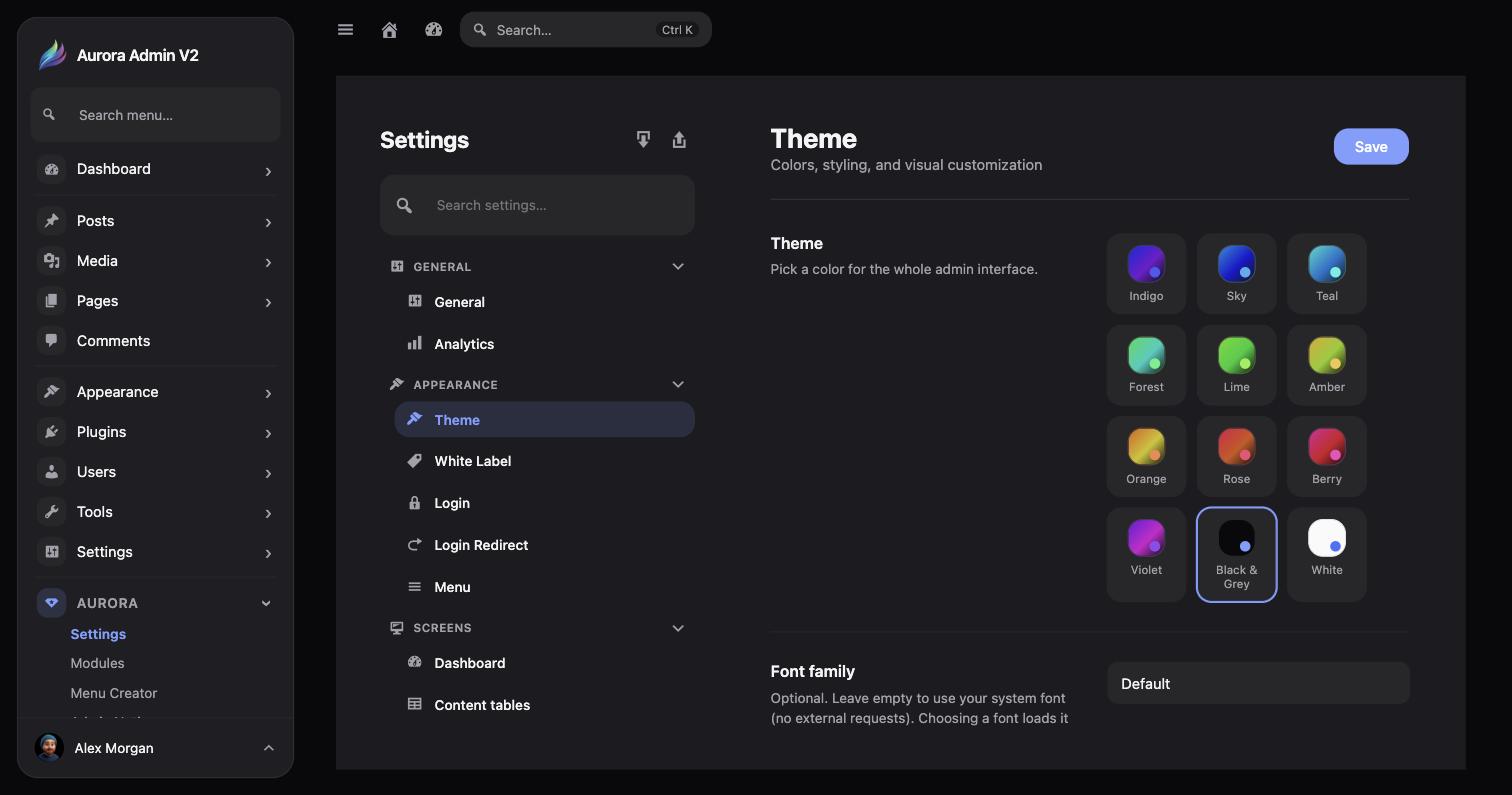
Aurora → Settings → Appearance → Theme picks the color for the whole admin interface: 10 accent colors — Indigo, Sky, Teal, Forest, Lime, Amber, Orange, Rose, Berry, and Violet — plus two neutral bases.
Any of the ten accent colors pairs with either base.
The dark base — see Dark Mode.
The light base.
The same screen also holds the optional Font family field.