Comments
Comments
Section titled “Comments”Keep discussions healthy without digging through hidden row actions.
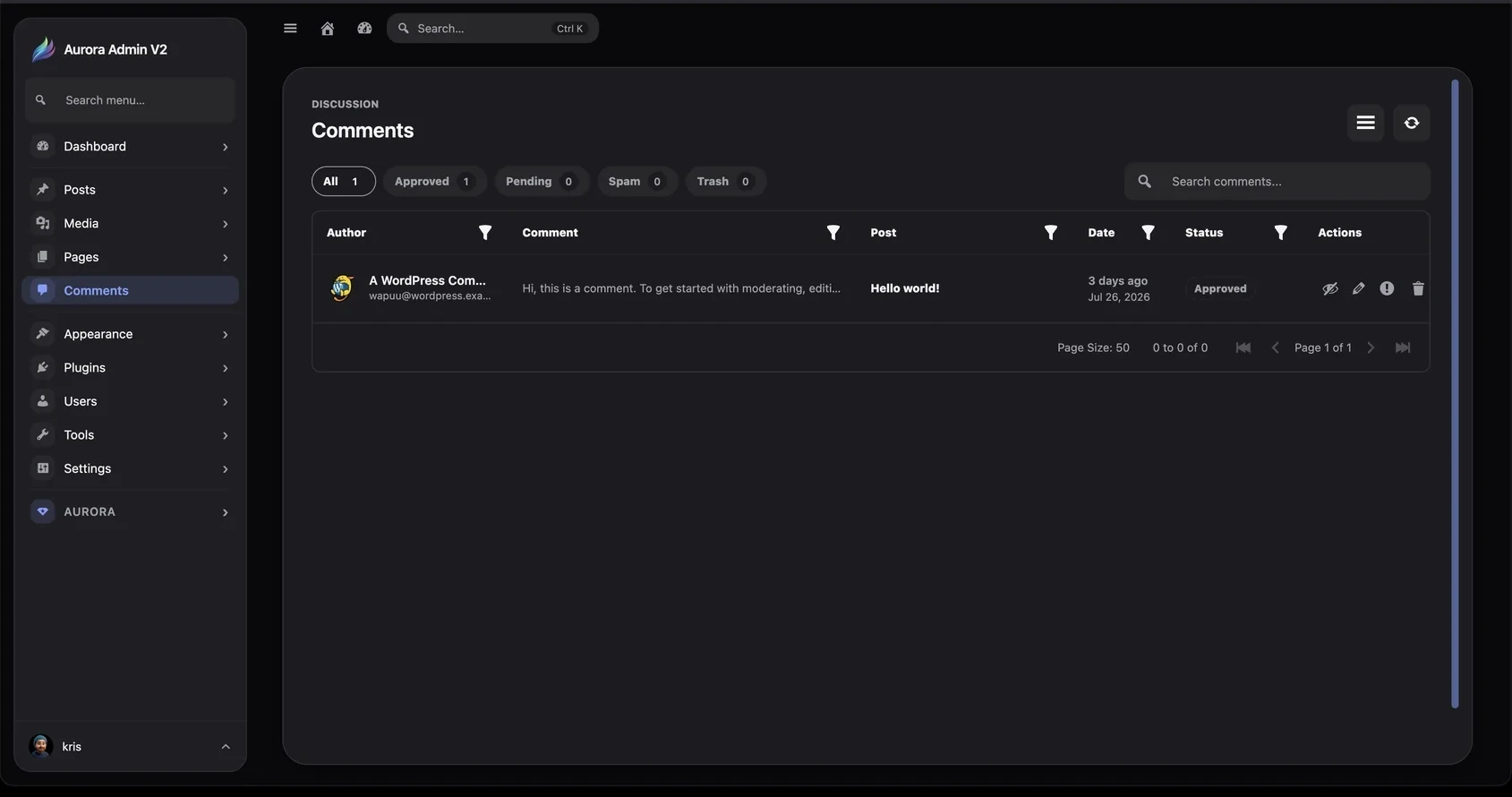
The comment manager shows author information, a comment preview, the related post, date, status, and direct moderation actions in one table.
Status views
Section titled “Status views”Use All, Approved, Pending, Spam, and Trash to move directly to the moderation queue you need.
Search and filters
Section titled “Search and filters”Search locates comments by relevant text and author information. Header filters narrow individual columns when a site has a large discussion history.
Moderation workflow
Section titled “Moderation workflow”- Open the relevant status view.
- Read the comment preview and related post.
- Use the inline actions to review, edit, flag, or remove it.
- Continue without leaving the list.